Estimators: Build a Historical Cost Library Without Overhauling Tools
Estimators: Build a Historical Cost Library Without Overhauling Tools ! Historical construction cost library title card A historical cost library is a centralized, searchable repository of past project quantities, totals, vendor quotes, and contextual attributes used to validate and speed up construction estimates.

A historical cost library is a centralized, searchable repository of past project quantities, totals, vendor quotes, and contextual attributes used to validate and speed up construction estimates. It gives estimators a defensible basis for pricing instead of a gut check, and it turns every closed bid into a reusable asset. The sections below cover what to capture, how to normalize it, how to retrieve the right precedents, and how to put the whole system to work on real bids.
TL;DR:
- Storing raw quantities and total costs allows for recalculating unit prices on demand, preventing stale data from updates or corrections.
- Normalization involves currency conversion, location adjustment based on multipliers, and inflation correction, with detailed documentation for reversibility.
- Ranking past projects by similarity using market type, size, and scope, then normalizing figures, improves comparison accuracy for early-stage estimates.
- A structured cost library must be integrated into regular project workflows with provenance notes and quality controls to remain reliable over time.
- ArosBid enables structured bid data capture, searchable project history, and seamless integration with existing tools like Excel and Outlook.
Table of Contents
- Why a historical cost library matters for estimators
- What data to capture beyond the unit price
- Normalization: adjusting past costs for time and location
- Finding the right past projects to compare against
- Keeping the data current: governance and quality control
- Turning the library into estimates and bid decisions
- Quick wins for teams starting from scratch
- Where ArosBid fits into the workflow
- Sources
- FAQ
Why a historical cost library matters for estimators
Total Cost Management, the framework AACE International uses to connect estimating, cost control, and asset management, treats historical data as a feedback loop rather than a filing cabinet. The AACE RP 114R-20 guidance frames a project historical database as a dynamic system tied directly to estimate validation, not a static archive you check once a year.
That distinction matters because estimating databases and historical databases serve different jobs. An estimating database holds active inputs you are building a current bid from. A historical database holds actuals and outcomes from finished work, the record you check your current numbers against. Confusing the two leads teams to treat unverified planning figures as if they were proven results.
Used correctly, the library supports three recurring tasks: conceptual estimating when scope is still loose, unit-price research for detailed pricing, and benchmarking an estimate against what similar work actually cost. Each depends on data that is granular enough to interrogate later.

What data to capture beyond the unit price
The instinct is to save unit prices because they look immediately useful. RP 114R-20 recommends the opposite: store raw quantities and total costs, and calculate unit prices on demand whenever you need them. A stored unit rate is a derivative number frozen at the moment someone typed it in, and if a quantity or total gets corrected later, that stored rate goes stale silently. Raw totals let every downstream calculation recalculate cleanly.
Organize captures by WBS, CSI division, or your own cost element structure so figures roll up consistently across projects. Beyond the cost figures themselves, the fields that make a record useful months or years later include:
- Project type, market sector, and location, since a hospital in one region and a warehouse in another are not comparable without context.
- Bid date, award status, and contract duration, which anchor the record in time and tell you whether the number reflects a winning bid or a lost one.
- Scope drivers such as site conditions, phasing, or unusual specifications that explain why a cost fell outside the normal range.
- Contingency and fee treatment, so you know whether a stored total includes markup or strips it out.
- Provenance notes recording who entered the data and what allocation assumptions were made.
Start small. A minimum viable set of award status, quantities, totals, bid date, and location gets you usable comparisons faster than waiting for a perfect schema.
Normalization: adjusting past costs for time and location
A number from three years ago in a different region is not comparable to today’s costs until you adjust it, and that adjustment is itself an estimating decision, not a cleanup chore. The CJCE normalization framework describes a common three-step sequence: convert currency where relevant, adjust for location, then adjust for time using an inflation index. Skipping any step, or doing them out of order, can distort the result more than using no adjustment at all.
Document exactly which indices and formulas you applied to each record. That documentation is what makes an adjustment reversible if a new index vintage comes out or if someone challenges the number in a proposal review.
- Location adjustment typically draws on published multipliers, such as RSMeans historical cost index and location factors, to move a cost from one market to another.
- Time adjustment applies an inflation index for the elapsed period between the historical bid date and today.
- International work sometimes calls for the International Construction Cost Index (ICII), and some teams build custom cost indexing approaches for niche scope types.
A moving-window analysis can help identify the best look-back period for a given cost item rather than applying a fixed rule to every category. An ALDOT thesis on look-back methodology tested this approach against asphalt paving items and found that the right window varies by item rather than following one blanket assumption.
Finding the right past projects to compare against
Once records are normalized, the next problem is retrieval: out of hundreds of past jobs, which ones actually resemble the one you’re bidding. A 2022 study on historical bid data proposed ranking past projects by a similarity score built from market type, size, duration, and project type, then using the highest-ranked matches as the basis for a conceptual estimate. The study consolidated bid-day data from close to 500 projects to validate that approach for early-stage pricing.
A practical retrieval workflow looks like this:
- Define the current project’s key drivers: market type, approximate size, duration, and delivery method.
- Run a similarity query against the library and pull a short ranked list, typically the top 10 to 20 matches.
- Normalize each matched project’s figures for time and location before comparing.
- Adjust the normalized range for scope differences the similarity score could not capture, like unusual site access or accelerated schedule.
Filters that speed this up include award status, scope drivers, and construction duration, since a lost bid at an unusually low number can skew a comparison if it isn’t flagged. Related insight on machine-assisted retrieval patterns points to similar case-based reasoning approaches gaining traction across construction technology.
Pro Tip: Save your similarity queries as reusable searches tagged by trade and market type, so the next estimator on a comparable job doesn’t rebuild the filter from scratch.
Keeping the data current: governance and quality control
A library only stays useful if capture happens as a normal part of the project lifecycle, not as a scramble at closeout. Build data entry into intake, execution, and closeout stages so each phase adds its piece instead of leaving one person to reconstruct history from memory months later.
- Set consistent allocation rules and a shared CES or WBS standard so records from different estimators roll up the same way.
- Require provenance notes on every entry: who logged it, what assumptions were made, and where the source documents live.
- Run periodic audits and reconciliation against original contracts to catch drift between what was entered and what actually happened.
- Restrict edit access to raw totals and quantities, since these are the figures every derived metric depends on.
- Set a retention policy that matches your recordkeeping obligations, particularly on publicly funded or regulated work.
Teams already living in Excel and Outlook can start by exporting bid-day spreadsheets into a shared structure rather than adopting an entirely new toolchain on day one.
Turning the library into estimates and bid decisions
The library earns its keep at three points in a bid cycle: shaping a conceptual number, checking a detailed one, and pricing a subcontractor buyout.
- Conceptual estimating: define the project’s cost drivers, retrieve similar historical projects, normalize their figures, and derive a range before layering in contingency and risk adjustments.
- Estimate validation: calculate unit rates and cost ratios on demand from raw historical totals, then compare them against the estimate you’ve built to flag numbers that look out of range.
- Vendor quote leveling and buyout: use historical vendor quote records and prior award outcomes to benchmark incoming RFQs instead of accepting the first number that arrives.
The most common mistakes undoing all of this: saving derivative unit rates instead of raw totals, and skipping the provenance or normalization notes that let someone else trust the number later. Industry guidance on comprehensive cost databases reinforces that contextual completeness, not raw volume of records, is what makes a database useful for different estimating techniques.
Quick wins for teams starting from scratch
Most teams already have the raw material sitting in old bid folders. The fastest path to value is narrow: capture award status, quantities, totals, and provenance on your next handful of closed bids before worrying about backfilling years of history.

Pick a small set of recent, high-quality projects rather than dumping in a decade of inconsistent spreadsheets at once. Automate what you can from Excel and Outlook exports, and put a quarterly review on the calendar to catch drift before it compounds.
The cultural shift matters more than any tool choice. When data capture becomes the default step at closeout and procurement, rather than an optional favor someone does when they remember, the library grows on its own.
— arosbid team
Where ArosBid fits into the workflow
Building a historical cost library by hand in shared spreadsheets works until three estimators are editing the same file and nobody agrees on which version has the corrected totals. ArosBid supports structured capture of quantities, totals, vendor quotes, and provenance notes as part of the bid management workflow.
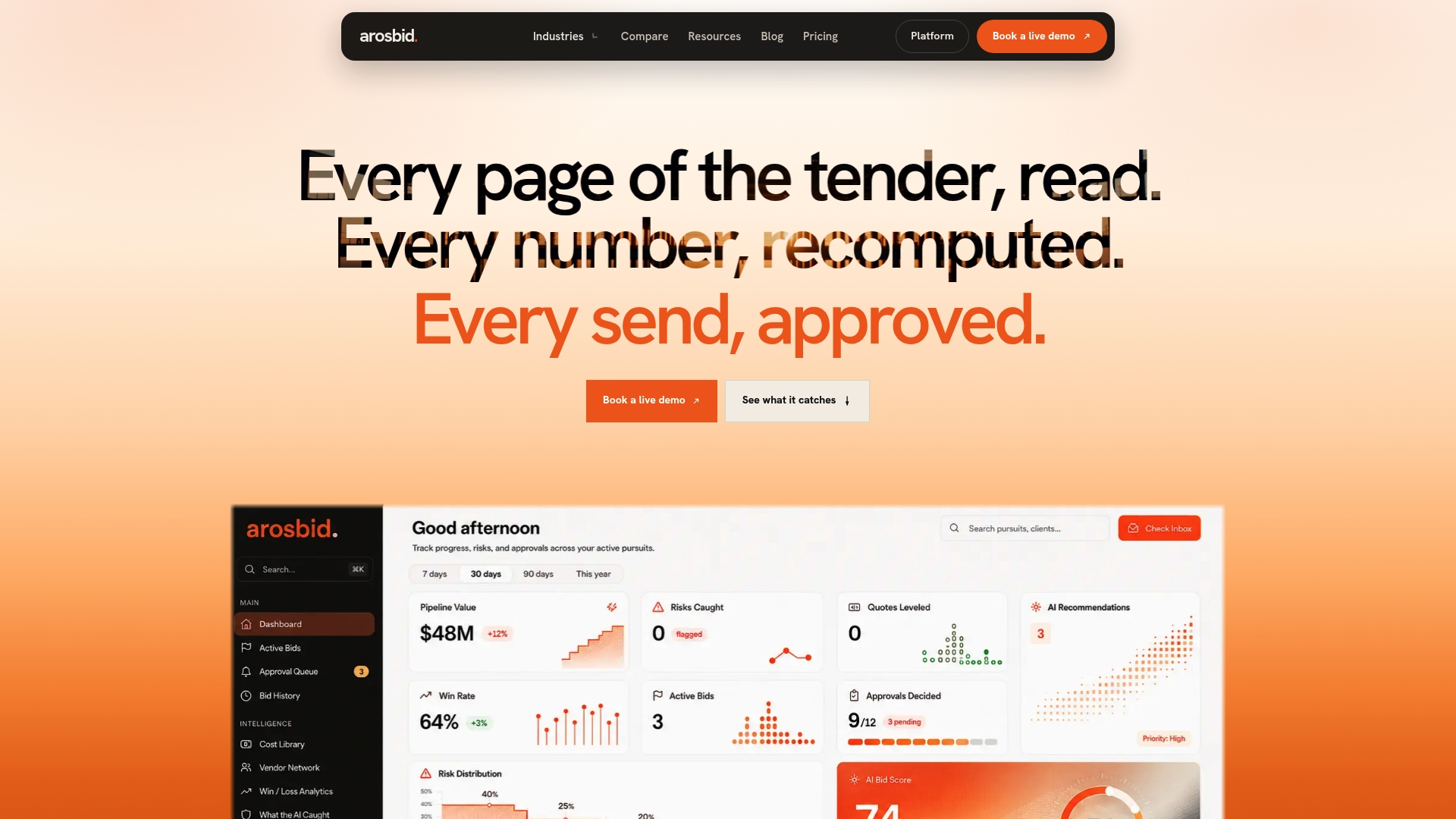
The platform’s vendor quote leveling tools keep RFQ history searchable for buyout benchmarking, and its bid management software tracks approvals and document compliance through a single command center. Because it integrates with Excel and Outlook, teams can start feeding a historical library without overhauling their existing tools.
- Structured capture of quantities, totals, vendor quotes, and allocation notes tied to each bid.
- Searchable project history for retrieval when a similar job comes up again.
- Native Excel and Outlook integration so adoption doesn’t mean overhauling your current stack.
If you’re ready to see how this looks against your own bid files, book a demo or check pricing across One Desk, The Department, and The Whole Year.
Sources
- New Recommended Practice, 114R-20: Project Historical Database Development
- Using Historical Bid Data for Enhanced Conceptual Estimating (2022 study)
- Building a solid foundation: Navigating the world of construction cost estimating with a comprehensive database
FAQ
What is a historical cost library in construction?
A historical cost library is a searchable database of past project quantities, totals, vendor quotes, and contextual details that estimators use to price new bids and check current estimates. It differs from a live estimating database because it holds finished-project actuals rather than active planning inputs, following the structure described in AACE RP 114R-20.
Why store raw quantities instead of unit prices?
Raw quantities and totals let you calculate unit prices whenever you need them, so corrections to the source data stay consistent everywhere. Storing a fixed unit rate freezes a number that can go stale the moment underlying figures change, which is why AACE guidance recommends deriving rates on demand.
How do you adjust historical costs for comparison?
Cost normalization typically follows three steps: currency conversion where needed, location adjustment using multipliers like RSMeans location factors, and time adjustment through an inflation index, as outlined in the CJCE normalization framework. Documenting the exact indices used keeps the adjustment reversible later.
How do estimators find comparable past projects?
Estimators typically rank historical projects by a similarity score based on market type, size, duration, and project type, then normalize the top matches before comparing values. A 2022 study on historical bid data validated this approach for conceptual estimating using data from close to 500 projects.
Does ArosBid offer a historical cost library feature?
ArosBid supports structured capture of quantities, totals, vendor quotes, and provenance notes as part of its bid management workflow, integrated with Excel and Outlook. Plan details for One Desk, The Department, and The Whole Year are available on the pricing page.