Trade Estimators: One Page Bid Audit Trail for 5 Minute Clarifications
Trade Estimators: One Page Bid Audit Trail for 5 Minute Clarifications ! Bid audit trail title card illustration A bid audit trail is a timestamped record of every action taken on a bid, showing who changed what, when, and why.
A bid audit trail is a timestamped record of every action taken on a bid, showing who changed what, when, and why. Procurement teams rely on it to prove traceability from origin to completion, defend decisions during clarifications, and produce evidence if a bid is ever challenged. The practical move is simple: start logging the right fields now, and keep a one-page map of where each claim in your bid connects to its evidence.
TL;DR:
- Properly configuring audit trail features requires defining scope, tracking key events, setting retention policies, and assigning roles before enabling logging on bids.
- Detailed logs at evaluation stages should include reasons for changes, links to supporting documents, and version IDs to ensure traceability during audits or disputes.
- Using a single-page, claim-specific audit template during bid preparation simplifies responding to clarifications and helps keep evidence aligned with claims.
- Automating record creation through platform features like versioning and document locking reduces reliance on manual logging and minimizes errors.
- Smaller teams may manage with a simple template, but systems with multiple users and bids benefit from structured, integrated tools that preserve a complete, immutable audit trail.
Table of Contents
- What a Bid Audit Trail Records: Fields and a Sample Entry
- How to Turn On and Configure an Audit Trail
- A One-Page Audit Trail Template for Clarifications
- Best Practices and Common Pitfalls in Audit Trail Management
- The ArosBid Perspective: Making Audit Trails Operational, Not Aspirational
- Build Your Audit Trail Into the Bid Process, Not On Top of It
- Sources
- FAQ
What a Bid Audit Trail Records: Fields and a Sample Entry
A bid audit trail is only as good as the fields it captures. Skip one of the core elements and you end up with a log that shows something happened, but not enough to reconstruct why.
At minimum, a usable audit trail needs:
- Event or action — what happened (price change, document upload, approval, clarification response)
- Timestamp — down to the minute, not just the date
- User ID and role — who made the change and their authority to make it
- Field before/after — the old value and the new one, side by side
- Comment or reason — a short note explaining why the change happened
- Document or evidence pointer — a link to the spec section, vendor quote, or email that justifies the entry
- Version ID — which draft or submission cycle the change belongs to
The level of detail should shift depending on context. Submission-stage logging can stay lean, mostly tracking who touched the proposal and when. Evaluation-stage records need more rigor, since they document scoring history and approval rationale that regulators or disappointed bidders might scrutinize later. Spot bids, where amounts and options shift fast, benefit from granular tracking of every bid record change across providers, since price volatility is the whole point of that process.
A sample entry might read: “March 3, 2026, 2:14 PM. User: J. Alvarez (Chief Estimator). Action: Updated mobilization cost from $18,500 to $21,200. Reason: Vendor quote from Reliant Cranes revised after site walk. Evidence: quote_reliant_031026.pdf. Version: Draft 4.” That single line answers every question an auditor or a buyer’s clarification request might ask.

How to Turn On and Configure an Audit Trail
Most bid platforms ship with audit trail capability, but it rarely runs at full strength out of the box. You have to configure it. Vendor documentation for spot bid tenders makes this clear: the trace has to be enabled for specific objects before it captures anything, which means somebody on your team needs to own that setup rather than assume it happens automatically.
Before flipping any switches, work through a short checklist:
- Define scope — decide which bids, projects, or dollar thresholds require full audit logging versus a lighter touch
- List the events worth tracking — price changes, scope revisions, approvals, clarification responses, addenda acknowledgments
- Set a retention window — match it to your contract terms or local procurement rules, whichever is longer
- Assign roles — who can view logs, who can export them, who owns corrections if an entry is wrong
- Map evidence sources — connect the trail to where supporting documents actually live (email, shared drives, vendor portals)
Once scope is set, move through configuration in order: assign an audit contact for each active bid, enable logging on the events you listed, lock approved content so nobody edits a submitted number without a new version being created, and run a test change to confirm the log captures it correctly before relying on it for a live bid.
Searching and exporting logs matters as much as creating them. Most platforms let you filter by date range, user, or object type, which speeds up audits considerably compared to scrolling a raw activity feed. Export copies in a format that can’t be edited after the fact, and store them somewhere separate from your live system in case that system goes down during a dispute.
Pro Tip: Test your export function before you need it for an audit, not during one. A log that looks complete on screen sometimes drops fields when exported to CSV, and you don’t want to discover that gap while a client is waiting on documentation.
A One-Page Audit Trail Template for Clarifications
When a buyer sends a clarification request three days before submission, you don’t have time to dig through six weeks of email threads. A one-page audit-trail map built while you prepare the bid, not after, turns a scramble into a five-minute lookup.
The layout works as a simple table with one row per major claim or commitment in your bid:
| Claim | Location in Bid | Evidence Pointer | Assumptions | Owner | Version/Date |
|---|---|---|---|---|---|
| Mobilization cost: $21,200 | Section 4 | Reliant Cranes quote | Site access confirmed by GC | J. Alvarez | Draft 4 |
| Lead time on steel | Section 2, Schedule | Vendor confirmation email | No tariff delay assumed | M. Chen | Draft 3 |
| Union labor rate compliance | Section 6 | Local wage schedule | Rate locked through Q3 2026 | J. Alvarez | Draft 4 |
Each row should answer four questions on sight: what did we claim, where does it live in the document, what proves it, and who signed off. That structure reduces the mental load of answering clarifications because you’re not reconstructing logic under deadline pressure, you’re reading it off a page you already built.
Add a commercial note column if your bids involve negotiated terms or alternates, since a buyer’s clarification often hits exactly those gray areas. Build this page alongside the bid itself, updating each row as numbers firm up, rather than trying to backfill it the night before submission. Teams that treat it as a final step instead of a running document tend to lose track of which version matched which evidence, which defeats the purpose entirely.
Best Practices and Common Pitfalls in Audit Trail Management
A bid audit trail only holds up under scrutiny if a few governance rules stay non-negotiable. Require sign-off before any clarification response goes out, since ad-hoc replies from whoever answers the phone often create new commitments nobody intended to make. Lock approved content once it’s submitted so a later edit doesn’t quietly overwrite the version a buyer already evaluated. Assign a named owner to every major claim, not a department, so there’s always one person who can explain the reasoning behind a number. Keep immutable export copies outside your live system, stored somewhere a dispute can’t touch.
The pitfalls tend to repeat across teams:
- Evidence pointers that link to a folder instead of the specific file, which turns into a dead end six months later
- Version numbers that skip or double up because two people edited the same section without coordinating
- Verbal or email commitments made during a clarification call that never get logged back into the formal record
Retention and access control deserve equal weight. Versioning at the document, section, and content-library level, combined with role-based locking, keeps approved content stable and makes a trail reconstructible months or years later if a contract gets challenged.
Pro Tip: If two people can edit the same bid section without the system forcing a new version, you don’t have an audit trail. You have a shared document with extra steps.
The ArosBid Perspective: Making Audit Trails Operational, Not Aspirational
Most teams know they should keep better bid records. Few actually do, because manual logging competes with deadline pressure every single time, and deadline pressure usually wins. That’s the gap worth naming directly: a spreadsheet-based audit trail depends on someone remembering to update it in the middle of a chaotic submission week, and that’s precisely when the discipline breaks down.
Platform-level versioning changes that math. When quote leveling and document locking happen automatically as part of the workflow, the audit trail stops being a separate task and becomes a byproduct of doing the work. Every vendor quote comparison, every approval, every locked section generates its own record without anyone stopping to write it down.
The honest answer on when process-only controls are enough: smaller bid volumes with one or two estimators can often manage with a disciplined one-page template and strict sign-off rules. Once multiple teams touch the same bids across several active projects, manual tracking starts missing things that a structured system catches by default.
— arosbid team
Build Your Audit Trail Into the Bid Process, Not On Top of It
Retrofitting audit discipline onto a spreadsheet-and-email workflow is possible, but it’s fragile. Every log entry depends on someone remembering to make it. Some bid platforms take a different approach: versioning, approvals, and vendor quote tracking run as part of how the platform assembles a bid, so the record of who changed what, when, and why gets created automatically instead of relying on a separate logging habit.
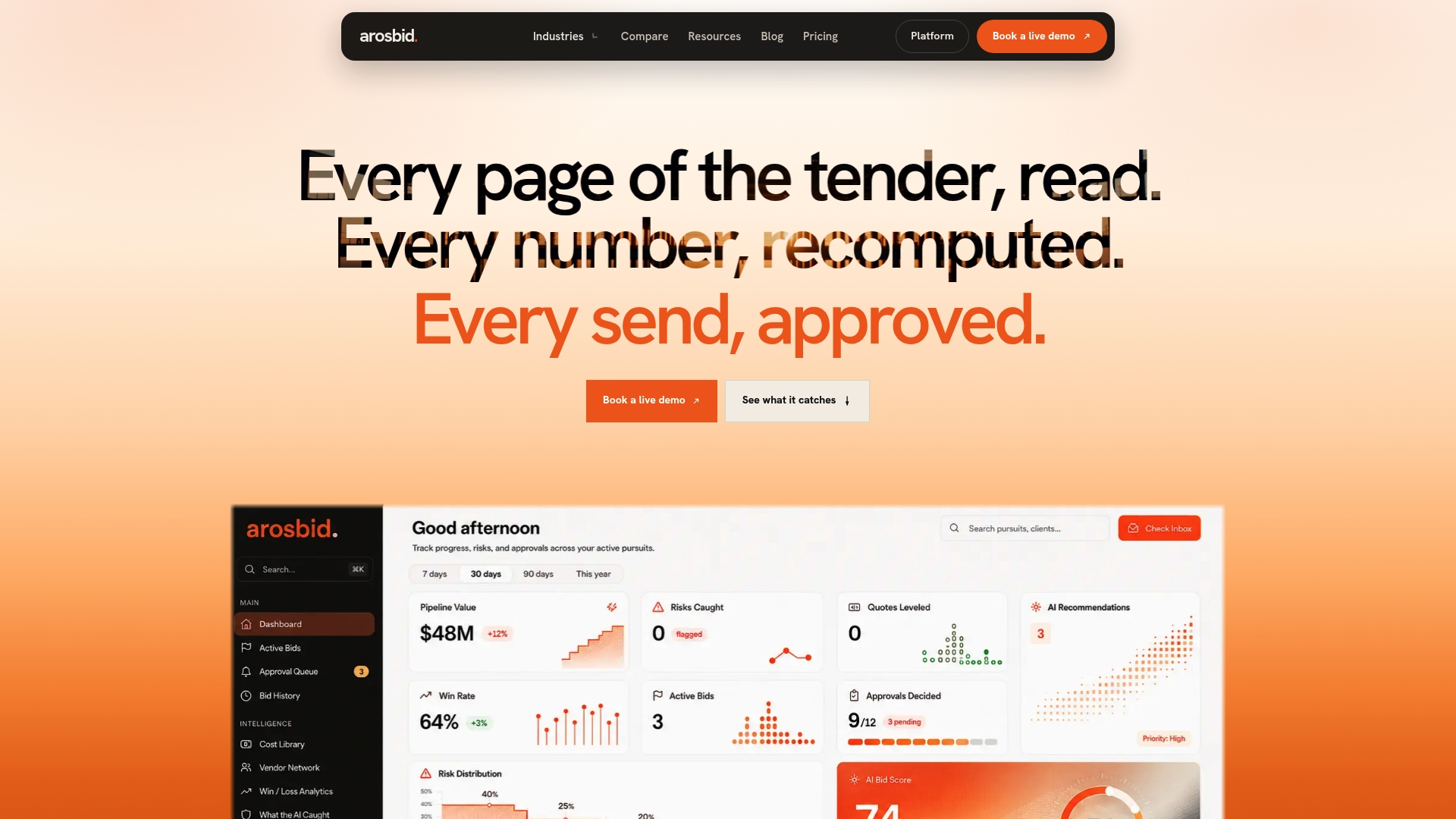
For construction trade teams juggling MEP, steel, or electrical scopes across multiple active bids, that distinction shows up fastest during a clarification request or a post-award dispute, exactly the moments when a gap in your log costs the most. If your current process leaves you reconstructing decisions from memory, it’s worth seeing how a structured bid command center handles it instead. Explore the platform’s approval and versioning features or book a live demo to see how evidence pointers and quote leveling work together on a real bid.
Sources
- Audit Trail for Spot Bid Tender (Oracle docs)
- Bid audit trail for clarifications, quick 1-page guide (BidSmithery)
- What is audit trail? (Ivalua glossary)
- Bid evaluation audit trail (Hyperbots glossary)
FAQ
Can You Give Me an Example of an Audit Trail?
A typical entry shows an action, a timestamp, the user who made it, and what changed: “March 3, 2026, 2:14 PM, J. Alvarez updated mobilization cost from $18,500 to $21,200, evidence attached.” Spot bid audit trails show this same pattern across multiple bid records from different vendors.
What Does “Audit Trail” Mean?
An audit trail is a sequence of records that links data from its origin through to completion, showing exactly how a document, decision, or figure evolved. In bidding, that means tracking every change to a proposal from first draft to final submission.
Is an Audit Trail Mandatory?
Requirements vary by contract type, funding source, and jurisdiction, so there’s no single universal rule. Many public and regulated sourcing events require documented audit trails for compliance, and even where it isn’t strictly required, having one protects your team if a bid is ever challenged or a clarification turns into a dispute.
How Do You Create an Audit Trail for Bids?
Start by defining which events to log (price changes, approvals, clarification responses), then enable logging for those events in your bid or estimating platform. Pair that with a one-page template mapping claims to evidence, owners, and version dates so the trail stays usable rather than just accumulating raw log entries. Platforms like arosbid build much of this tracking into the bid workflow itself through versioning and approval steps.