Excel Bid Templates for Estimators: Five Tabs for Safe Takeoff Imports
Excel Bid Templates for Estimators: Five Tabs for Safe Takeoff Imports ! Decorative Excel bid template title card Use a structured Excel bid template built around a master summary, trade detail tabs, and a centralized cost database.
Use a structured Excel bid template built around a master summary, trade detail tabs, and a centralized cost database. It beats a single flat spreadsheet because formulas stay live, every trade subtotal is auditable, and columns map cleanly into takeoff exports. Download a ready .xlsx file and run it through the customization checklist below before your next submission.
TL;DR:
- Use an Excel master bid template with linked trade tabs, a cost database, and locking formulas to ensure accuracy, auditability, and easy updates.
- Build your summary section first, then populate trade detail tabs with quantities and costs, ensuring all links flow correctly to the total bid.
- Standardize units, color-code inputs versus formulas, and maintain a revision log to prevent errors on submission day.
- Match takeoff exports precisely to your trade tab headers, and consider platform tools if vendor quotes or bid volume grow beyond spreadsheet capacity.
- Download templates from trusted sources like Microsoft’s library, verifying they have locked formulas, separate pricing tables, and adaptable headers.
Table of Contents
- What types of excel bid templates do you actually need?
- How do you fill out a construction bid template step by step?
- How do you turn a downloaded template into a reusable system?
- How do you protect your bid template from breaking on submission day?
- How do you map takeoff data into an excel bid template?
- Where can you find a reliable excel bid template to download?
- How do you build client compliance terms into a bid template?
- When should you stick with Excel and when should you move to a platform?
- Where Excel fits into a modern bid workflow
- Sources
What types of excel bid templates do you actually need?
Not every bid needs the same document. A subcontractor pricing a tenant buildout needs something different from a general contractor comparing five roofing quotes. Here’s how the main variants break down and what each one is actually for:
- Bid sheet — a single-project pricing worksheet with line items, quantities, and unit costs. Best for smaller jobs where you don’t need multiple trade tabs.
- Subcontractor bid proposal — a formatted document that presents scope, price, and exclusions to a general contractor. Best for trades submitting a formal offer on a specific package.
- Bid comparison / tabulation sheet — a side-by-side grid that lines up multiple vendor quotes against the same scope. Best for leveling three or more bids before you award work.
- Invitation to bid (ITB) — an outbound document listing scope, deadlines, and required attachments. Best for owners or GCs soliciting quotes from a subcontractor pool.
- Trade-specific estimate — a detailed takeoff-to-price worksheet tailored to one discipline (electrical circuits, steel tonnage, roofing squares). Best for estimators who need granular quantity math before rolling into a summary.
- Master construction bid template — the umbrella workbook combining a summary tab with linked trade tabs. Best for anyone bidding recurring project types who want one file they reuse and refine.
Format matters as much as structure. An .xlsx file preserves formula logic, which is why it should be your master copy. Google Sheets works well for a live collaboration copy when a partner needs to see numbers update in real time, but it’s not where you want to do your final formula-heavy work. PDF or Word versions exist purely for the client-facing proposal, after the math is locked.
Before you download anything, check for three things: are the formulas actually locked (not just typed values disguised as calculations), is there a real pricing table separate from the bid sheet, and are the column headers arranged in a way that could map to a takeoff export without you rebuilding the sheet from scratch.
How do you fill out a construction bid template step by step?
Most estimators make the mistake of starting with line items. Start with the summary instead, even though it’s technically the last thing that gets values.
- Set up the master summary shell first. Build the section for trade subtotals, overhead, contingency, markup, and total bid price, even though every cell will read zero until the trade tabs are populated. Add your assumptions and exclusions here too. Clients read this page first.
- Populate each trade or detail tab. Enter item descriptions, units, quantities, unit costs, and labor hours or rates. Every trade subtotal cell should link directly back to the summary tab rather than getting typed in manually.
- Separate markup from raw cost. Apply overhead, contingency, and profit markup in a visible calculation block, not buried inside a formula that mixes cost and margin in the same cell. Keep your raw unit costs in the pricing table where they belong.
- Run your validation pass. Check that every trade subtotal actually flows to the summary, that no cell shows a stray error value, and that nothing critical got left as a hard-coded number instead of a formula.
- Lock and export. Protect the formula cells, freeze your header row so scrolling doesn’t lose context, and export a clean PDF for the client while keeping the working
.xlsxas your internal master.
This sequence matters because Excel formulas let quantities and unit costs update totals automatically only when the structure supports it. Build summary first, and every downstream tab has somewhere correct to send its number.
Pro Tip: Color-code your workbook the moment you build it: blue text for anything a person types in, black for anything a formula calculates. It takes ten minutes and saves you from ever wondering, mid-bid, whether a number is an input or a result.
How do you turn a downloaded template into a reusable system?
A template you use once and abandon is a wasted download. The goal is a workbook you reuse on every bid, refining it slightly each time instead of rebuilding from zero.
Five tabs cover almost every estimating workflow: Master Summary, one Trade Detail tab per discipline, a Pricing/Cost Database, a Settings tab for markup percentages and labor rates, and a Revision Log tracking who changed what and when. Separating a Master Summary from trade detail tabs so each subtotal links live back to the summary is what makes the whole thing auditable months later.
A few design rules keep the workbook from turning into a mess as you scale it:
- Use short, predictable tab names (Electrical, Steel, Sitework) rather than “Sheet1,” “Sheet2.”
- Standardize units across every tab (LF, SF, EA, CY) so a formula error doesn’t hide in a unit mismatch.
- Freeze your column structure early. Reordering columns after a few bids is one of the fastest ways to break a cross-tab formula.
- Color-code inputs versus calculated cells consistently across every tab, not just the summary.
Your pricing database needs at minimum an item ID, description, unit, and current unit cost. Add vendor name, last-updated date, and a source note (quote, catalog, historical bid) if you want the table to double as an audit trail. That extra metadata is what separates raw pricing from strategic bid adjustments, so a cost update six months from now doesn’t accidentally touch your markup logic.
How do you protect your bid template from breaking on submission day?
Spreadsheet failures on bid day are almost always self-inflicted: a formula got overwritten, a column got reordered, or two people edited the same file and one version got submitted by mistake.
- Lock formula cells, expose only inputs. Use worksheet protection so estimators can type quantities and costs but can’t accidentally delete a subtotal formula.
- Keep a revision log. Save a dated copy of every bid version. If a client asks why a number changed, you want the paper trail in five seconds, not an hour of digging.
- Add validation formulas. Simple conditional formatting that flags a blank unit cost or a quantity of zero catches mistakes before they become a submitted number.
- Fix broken references fast. If a lookup breaks after a column reorder, check whether the formula used a fixed reference instead of a named range. Named ranges survive reorders; hardcoded cell references don’t.
Locking formula cells and exposing only input cells is one of the lowest-effort fixes available, and it’s the one estimators skip most often because it feels like an extra step on a deadline day.
Pro Tip: Save your final bid version with the date and bid number in the file name, not just in a folder path. When three people are emailing spreadsheets back and forth an hour before a deadline, a clear file name is the difference between submitting the right number and submitting last week’s draft.
How do you map takeoff data into an excel bid template?
Most takeoff tools export a CSV or Excel file with columns like item name, quantity, unit, and item code. Before you import anything, line those export columns up against your trade tab headers so quantities land in the right place instead of overwriting a formula cell.
- Match “Item Name” to your description column, “Quantity” to your quantity column, and “Unit” to your unit column exactly, not approximately.
- Leave a spare “Item Code” column even if you don’t use it yet. It becomes useful the moment you need to reconcile a takeoff export against your pricing database.
- Save a standardized export template once, so every future takeoff import follows the same column order.
This hybrid approach, Excel for pricing logic paired with a takeoff tool for quantity generation, works well until your RFQ volume or vendor quote count grows past what one estimator can level by hand.
That’s the point where some teams outgrow a spreadsheet-only process. If you’re juggling a dozen vendor quotes per trade package and tracking compliance documents across several bids at once, a platform designed for vendor quote leveling picks up where Excel’s structure runs out of room. A bid management platform that works alongside Excel and Outlook rather than replaces them outright can be valuable if your team has years of pricing history baked into existing workbooks.
Excel templates stay valuable when they’re treated as one piece of a larger system rather than the entire system. The better templates are the ones designed from day one to accept a takeoff export cleanly and hand off into a bid workflow without a rebuild.
A simple handoff checklist works here: export a standardized CSV from your takeoff tool, verify the column mapping against your trade tab, then either import into a platform for leveling or keep the file as your estimator’s master copy for smaller bids.
Where can you find a reliable excel bid template to download?
A good sample pack should include three files: an editable .xlsx as your working master, a Google Sheets copy for anyone who needs live collaboration, and a client-facing PDF or Word version for final submission. Microsoft’s own template library is a reasonable starting point precisely because staying in native Excel format preserves formula functionality that often breaks when a file gets converted or re-saved elsewhere.
Before trusting any downloaded template, check for these signals:
- A visible master summary tab that pulls numbers from trade tabs rather than requiring manual entry.
- Separate trade or detail tabs, not one flat sheet trying to hold every line item for every discipline.
- A pricing table distinct from the bid sheet itself.
- Formula cells that are actually locked, not just formatted to look final.
- Column headers arranged in a way that could accept a takeoff import without restructuring.
Be wary of single-sheet templates with hard-coded totals. They look clean in a demo screenshot, but the moment you need to update one unit cost across twelve line items, you’re doing manual math the spreadsheet should have done for you. Categories like bid comparison sheets and subcontractor proposal templates are common across vendor libraries such as ProjectManager, Smartsheet, and Template.net, and the structure described above applies whichever source you pull from.
How do you build client compliance terms into a bid template?
Every client, agency, and general contractor has slightly different submission rules, and a generic template won’t catch them. The fix is building a compliance layer directly into your workbook rather than tracking requirements in a separate email thread you’ll forget to check.
Add a dedicated section on your master summary, or a standalone tab, listing the specific requirements for that bid: bonding thresholds, insurance minimums, prevailing wage rates if the project is public, MBE/WBE participation goals, and any required attachments like a certificate of insurance or a signed addendum acknowledgment. Treat each requirement as a checklist item with a status column, not just a note in a margin.

If a client’s contract terms affect pricing, build that into your calculation logic instead of adjusting numbers manually. A retention percentage, a liquidated damages clause tied to schedule, or a payment term that affects your cost of financing all belong in your markup section as visible line items, not hidden inside a rounded final number.
For public and government work, requirements shift by jurisdiction and contract type, so treat any specific threshold or rate as belonging to that project’s governing documents rather than assuming last quarter’s rules still apply. Keep a tab noting which addenda you’ve reviewed and when, since missed addenda are one of the most common reasons bids get disqualified before pricing is even evaluated.
When should you stick with Excel and when should you move to a platform?
Excel earns its keep for single-estimator bids, a controlled pricing library, and small teams that aren’t drowning in RFQ volume. It’s flexible, nearly everyone already knows how to use it, and the formula logic is transparent enough to audit line by line.
The trouble starts at scale. Once you’re juggling frequent RFQs, dozens of vendor quotes per package, or repeated compliance headaches, a shared spreadsheet becomes the risk itself. Version control mistakes and formula corruption are the two failures we hear about most, and both tend to show up right when a deadline leaves no time to fix them. A centralized historical cost library and structured approval tracking are the features that typically signal a team has outgrown a spreadsheet-only process.
— arosbid team
Where Excel fits into a modern bid workflow
There’s no shortage of ways to run your bidding process on Excel alone, and for plenty of trades, that’s genuinely the right call. Where teams get stuck is at the RFQ leveling stage: comparing five roofing quotes, six steel quotes, and a stack of electrical bids by hand, in separate spreadsheets, with no shared record of who approved what.
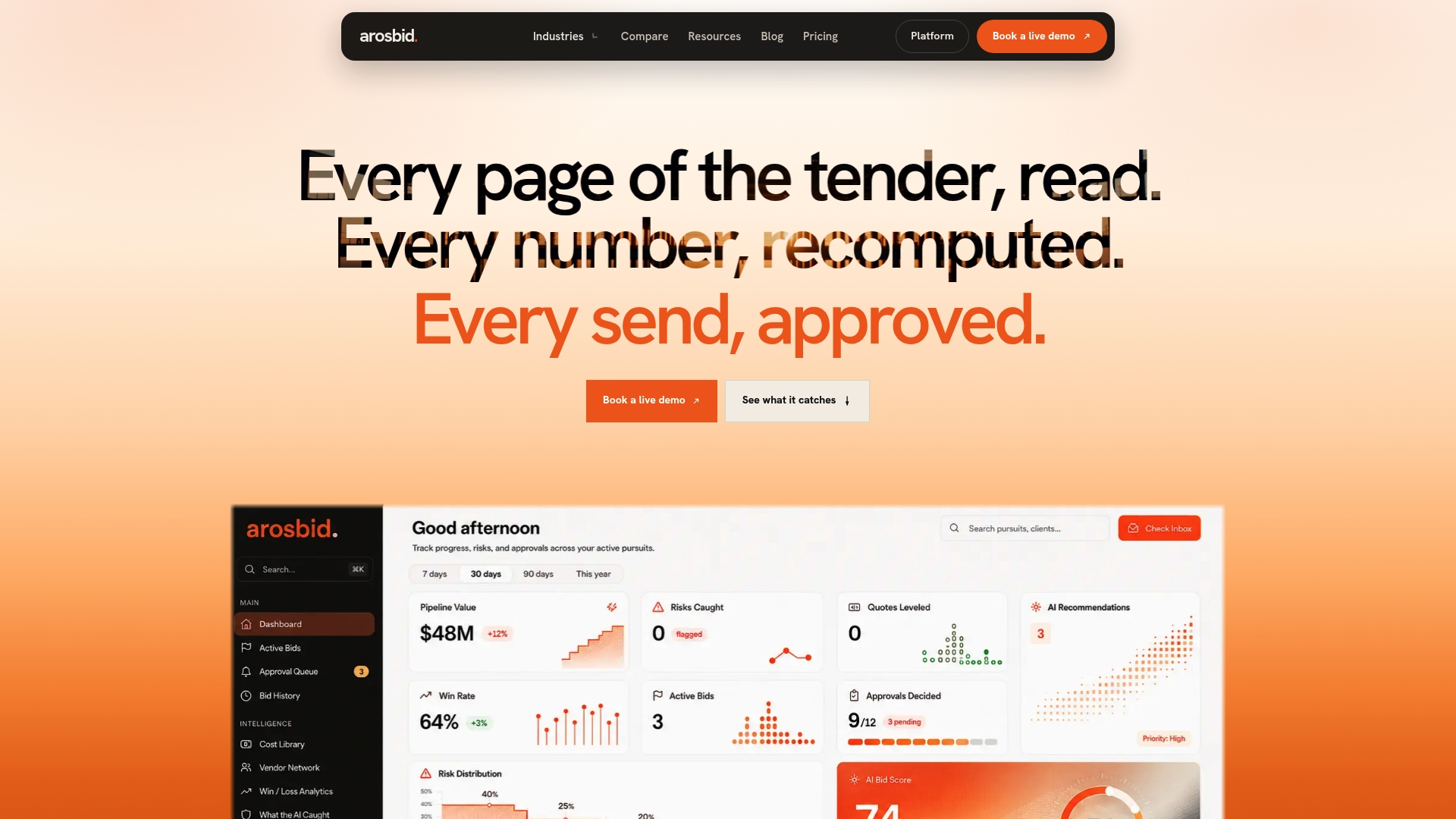
A platform that integrates with Excel exports and Outlook allows your pricing tabs and vendor correspondence to feed into one command center instead of living in scattered files and inboxes. Trade desks handling high RFQ volume, whether that’s roofing, structural steel, or electrical work, use it to track approvals, level vendor quotes automatically, and catch compliance gaps like missing addenda before submission rather than after disqualification.
If your team is still managing everything through spreadsheets and email threads, browse ArosBid’s industry pages to see how the platform maps to your trade, or book a live demo to walk through your current bid process and see where the gaps actually are.
Sources
For the formula mechanics behind a reliable estimate, this video walkthrough on building estimates with spreadsheet formulas covers audit-trail structure in more depth. For workbook architecture, including cost database design and trade tab separation, this guide to Excel construction estimating templates is worth bookmarking. Start with native .xlsx templates from Microsoft’s template library if you want a formula-safe starting file.