Prevent Bid Errors: ISO 19650 Version Control for Construction Teams
Prevent Bid Errors: ISO 19650 Version Control for Construction Teams ! Decorative ISO 19650 document control title card A single controlled Common Data Environment, paired with ISO 19650 aligned status metadata, enforced approval steps, and a complete audit log, is the most effective way to stop version errors before they cause rework or disputes.

A single controlled Common Data Environment, paired with ISO 19650 aligned status metadata, enforced approval steps, and a complete audit log, is the most effective way to stop version errors before they cause rework or disputes. This prevents teams from building off a superseded drawing or an unapproved spec. The first move on any project is simple: agree your naming convention and status code matrix at kickoff, before a single file gets shared.
TL;DR:
- Using a single Common Data Environment with enforced approval steps and audit logs significantly reduces version errors and rework risks.
- Properly separating revision numbers from document status codes and including metadata for both ensures accurate control and traceability.
- ISO 19650 categorizes documents into work in progress, shared, and published states, with strict permissions to prevent misuse of internal drafts on site.
- Implementing a pilot of version control practices on one discipline helps identify gaps in metadata, approval workflows, and governance early.
- Automated tools like drawing comparison and full audit logs support consistent version tracking, but effective governance relies heavily on designated document controllers.
Table of Contents
- Core best practices for naming, storage, access, and approvals
- ISO 19650 status codes and what they actually permit
- How to implement version control on your project
- Tools and automation that cut version risk
- ArosBid perspective: protecting bid accuracy through document control
- Archiving and backing up older versions correctly
- Training staff so version control actually sticks
- Security considerations for sensitive document versions
- What the research actually supports, and what gets overstated
- If you need an integrated solution: where to learn more about ArosBid
- FAQ
- Sources
Core best practices for naming, storage, access, and approvals
Most version control failures trace back to a handful of missing habits rather than a missing tool. Before anyone picks software, a project team needs agreement on how files are named, where they live, who can touch them, and who signs off on them.
Start with naming and revision numbering, and keep two ideas separate that teams constantly blur together: the revision (how many times a document has changed) and the suitability or status (what the document is allowed to be used for). A drawing can be on its fifth revision and still be marked unsuitable for construction. Collapsing both into a single ad hoc code in the file name is how site teams end up building from the wrong version.
Centralize storage wherever contractually possible using a Common Data Environment workflow to keep version control tight and reduce rework. A single Common Data Environment (CDE) gives every party the same source of truth, with permissions and status enforced at the platform level rather than policed by memory. When a true single CDE is not achievable, for instance when a client and a subcontractor run separate systems, the project must define explicit transfer rules so that status, revision, and approval metadata survive the move rather than getting stripped out in an email attachment.
Several operational habits round out a working system:
- Enforce check-in and check-out or document locking for any discipline where simultaneous edits create conflicting masters, particularly structural and MEP models.
- Require a fixed set of metadata fields on every information container: author, a unique container ID, revision, status code, permitted use, date and time, and the approver’s name.
- Require timestamped approvals and keep full access logs so any dispute can be traced to exactly who published, who approved, and when.
- Assign one person, typically a document controller or information manager, as the governance owner responsible for enforcing these rules project-wide.
That last point matters more than most teams assume. Practical explainer resources describe the document controller as the project’s actual authority on information governance, and note that auditability, knowing who saw and approved a document and when, is central to limiting legal and financial exposure. Without a named owner, status codes drift, naming conventions fragment by discipline, and the CDE becomes a dumping ground instead of a controlled record.
Conflicting specifications and drawings are a recurring source of disputes once a bid moves into execution, and a detailed example of reconciling a spec that says one tonnage against a drawing that says another shows how quickly an unreconciled discrepancy becomes a costly argument on site. Strict revision control, where every change carries a traceable reason and approver, is what keeps that kind of mismatch from reaching the field in the first place.
Pro Tip: Put the status code and revision in the document’s metadata fields inside the CDE, not just in the file name. File names get copied, renamed, and mistyped; metadata travels with the record.
ISO 19650 status codes and what they actually permit
ISO 19650 organizes information containers into three broad states, and knowing the boundaries between them prevents a document meant for internal review from ending up on a job site. ISO 19650 status codes classify containers as Work in Progress (S0), Shared (S1 through S5), or Published (A or B), and each state carries a specific permitted use.
Work in Progress is exactly that: a container still being developed by its author, not yet fit for anyone else to rely on. Shared status, S1 through S5, means the information has moved into a collaborative space where other disciplines can coordinate against it, but the individual codes within that range still define narrower permissions. S3, specifically, means the document is suitable for review and comment only. It is not suitable for procurement, and it is not suitable for construction, a distinction that ISO 19650 guidance draws explicitly because confusing “shared for comment” with “approved for use” is one of the most common and costly mix-ups on a project.
Revisions carry their own marker of maturity. A P prefix typically denotes a preliminary or work-in-progress revision, while a C prefix marks a published, contractual revision. The UK BIM Framework’s guidance on facilitating the common data environment confirms that published contractual information is recognizable specifically by that C prefix in its revision code, which gives every party on the project a quick, unambiguous signal of what they are looking at.

Moving an information container from Shared to Published should never mean exporting a flattened PDF and losing its metadata. The status, revision, approver, and date fields need to travel with the container through the CDE’s own workflow, not get recreated by hand on the other side.
Two mistakes show up again and again:
- Putting status information only in the file name, where it can be copied, overwritten, or simply forgotten when the file moves.
- Failing to enforce status-based permissions in the CDE itself, so an S3 document sitting in a shared folder gets pulled for procurement anyway because nothing technically stopped it.
ISO 19650 guidance from the UK BIM Framework recommends an agreed revision system precisely so that authors can track changes to Work in Progress and Shared material, and revert to an earlier version when a change needs to be undone. That reversibility only works if the metadata trail stays intact.
How to implement version control on your project
Rolling out version control is not a one-time memo. It is a short sequence of deliberate steps, each one tested before the next begins.
- Agree the ground rules at kickoff. Set the naming convention, the status code matrix, the roles (who publishes, who approves), and the CDE you will use, and write it into the project’s information execution plan.
- Pilot on one discipline or package first. Running the new workflow on, say, structural drawings alone surfaces gaps in your metadata fields or approval steps before they affect the whole project. Research into digital document control systems specifically recommends piloting on a single discipline to catch workflow issues early.
- Enforce clear governance. Name the lead appointed party responsible for publishing, define who has approval authority, and set an escalation path for when two disciplines disagree on a revision.
- Link version control to site and post-contract processes. Drawing issue logs, RFIs, and variation orders all need to reference the exact revision and status of the document in question, so traceability holds up when a variation is challenged later.
- Verify on an ongoing basis. Run periodic audits, spot-check a sample of recently issued documents against the log, and reconcile metadata whenever the project migrates between CDEs or hands off to a new phase team.
Pro Tip: Treat the pilot phase as mandatory, not optional. A naming convention that looks fine on paper often breaks the first time two disciplines try to use it at once.
Manual distribution through email threads and shared drives is where most of this breaks down in practice. Studies on post-contract document management point to duplication, outdated drawings circulating alongside current ones, and ambiguous approval history as the predictable results of relying on email and shared folders instead of a centralized CDE. None of those failures require bad faith, just the absence of a system that enforces the rules automatically.
Tools and automation that cut version risk
The right software does not replace the rules above. It enforces them so they survive contact with a busy project team.
Automated drawing comparison is one of the highest-value features available, because it flags exactly what changed between revisions instead of leaving someone to eyeball two PDFs side by side. Research on AI-enhanced drawing comparison found that platforms using this approach reduced manual cross-checking and improved both traceability and remeasurement accuracy, which matters directly for quantity surveyors building variation justifications.
When evaluating a CDE or document platform, prioritize:
- Mandatory metadata fields that cannot be skipped, covering author, revision, status, and approver.
- Status enforcement that actually blocks an S3 document from being pulled into a procurement workflow.
- Full audit logs showing every view, download, and approval action with a timestamp.
- Role-based access so subcontractors see only what their contract scope requires.
- Mobile capture for site teams marking up or confirming drawing revisions in the field.
Integration matters as much as the core feature set. A platform that syncs with Excel for estimating handoffs, sends notification workflows by email, and connects to the takeoff tools a team already uses will get adopted; one that requires a parallel system will not.
A shared drive can work on a small project with few revisions and low contractual stakes, where the volume of documents stays manageable by habit alone. Once a project involves multiple disciplines, frequent revisions, or meaningful contractual risk tied to which version was issued when, a dedicated CDE with enforced metadata stops being optional.
ArosBid perspective: protecting bid accuracy through document control
Bid packages fail for the same reason site drawings cause disputes: nobody caught that two documents disagreed before the submission went out. ArosBid’s approach to automated tender review combines automated checks with human sign-off, reading the entire document set, including front-end clauses, to catch the missed clause or conflicting specification that gets a bid disqualified.
That only works if the underlying documents carry consistent metadata. Certain workflows can integrate with Excel and Outlook so a revised spec sheet or addendum keeps its version history as it moves through the estimating process rather than existing as three different copies in three inboxes.
Practical use cases where this discipline pays off:
- Leveling vendor quotes against the correct, current revision of a bid scope instead of an outdated one.
- Tracking addenda so every reviewer worked from the same published version before submission.
- Keeping an approval trace that holds up when a bid is challenged or audited after the fact.
Archiving and backing up older versions correctly
Superseded does not mean disposable. Every prior revision should stay retrievable, because disputes, variation claims, and post-occupancy questions routinely reach back to a document that was replaced months or years earlier.
Keep archived revisions in the same CDE structure that governs live documents, tagged with their original status and revision metadata intact, rather than exporting them into a separate folder that loses that context. A sensible retention policy keeps every superseded revision for the life of the project at minimum, and many contracts require retention well beyond handover.
Back up the CDE itself on a schedule independent of any single user’s actions, so a deleted file or a corrupted upload never becomes a permanent gap in the record. When a project migrates from one CDE to another, mid-project or at a phase handover, reconcile the full archive against the new system before decommissioning the old one, confirming that every revision, status code, and approval record transferred correctly rather than assuming the export worked.
Treat the archive as part of the audit trail, not a separate concern. A document controller who can produce the exact revision a subcontractor was working from on a given date, complete with its approval history, has the strongest possible position in a dispute.
Training staff so version control actually sticks
A naming convention and a status matrix only work if the people touching documents every day actually follow them, and that means training has to happen before the system goes live, not after the first mistake.
New hires and subcontractor staff need a short, specific onboarding on the project’s conventions: how to name a file, which status codes apply to their discipline, and who they route a document to for approval. Generic software training is not enough, because the rules that matter are project-specific, set in the information execution plan agreed at kickoff.
Build a short reference sheet, one page, that lays out the naming convention and the status code matrix side by side, and keep it visible in the CDE itself rather than buried in a project handbook nobody reopens. Pair it with a brief walkthrough during the pilot phase so new team members see the workflow in action rather than reading about it cold.
Refresh training whenever the project changes CDEs, brings on a new subcontractor, or moves into a new phase with different approval requirements. The document controller is the natural owner of this training, since enforcing the rules and teaching them are really the same job.
Security considerations for sensitive document versions
Not every document on a project carries the same risk if it leaks or gets altered. Structural details, security system layouts, and commercially sensitive pricing all warrant tighter controls than a general arrangement drawing.
Role-based access is the baseline: a subcontractor should see only the packages relevant to their scope, and a vendor providing a quote should not see a competitor’s pricing or a client’s budget ceiling. Layer that with audit logs that record every view and download, not just every edit, so a sensitive document’s exposure can be traced precisely if something goes wrong.
Version history itself can be a security concern. An old revision containing a client’s confidential requirement or an unredacted cost figure needs the same access restrictions as the current version, not looser ones just because it is archived. Encrypt sensitive containers both in storage and in transit, and review access permissions at every phase change rather than assuming yesterday’s subcontractor list is still correct today.
What the research actually supports, and what gets overstated
Most advice on this topic treats ISO 19650 compliance as the finish line. It is closer to the starting point. The standard gives you a shared vocabulary for status and revision, but it does not enforce anything by itself. The projects that avoid version disasters are the ones where a named person actually polices the rules, where the CDE technically blocks an S3 document from reaching procurement, and where every approval leaves a timestamp nobody can quietly edit.
The overrated piece of conventional advice is the assumption that buying a CDE solves the problem. A platform without enforced metadata fields and status permissions is just an expensive shared drive. The underrated piece is governance ownership: a document controller with real authority to reject a non-compliant submission matters more than any feature list.
If you take one thing from this, prioritize the pilot. Test your naming convention and status matrix on one discipline before it touches the whole project.
— arosbid team
If you need an integrated solution: where to learn more about ArosBid
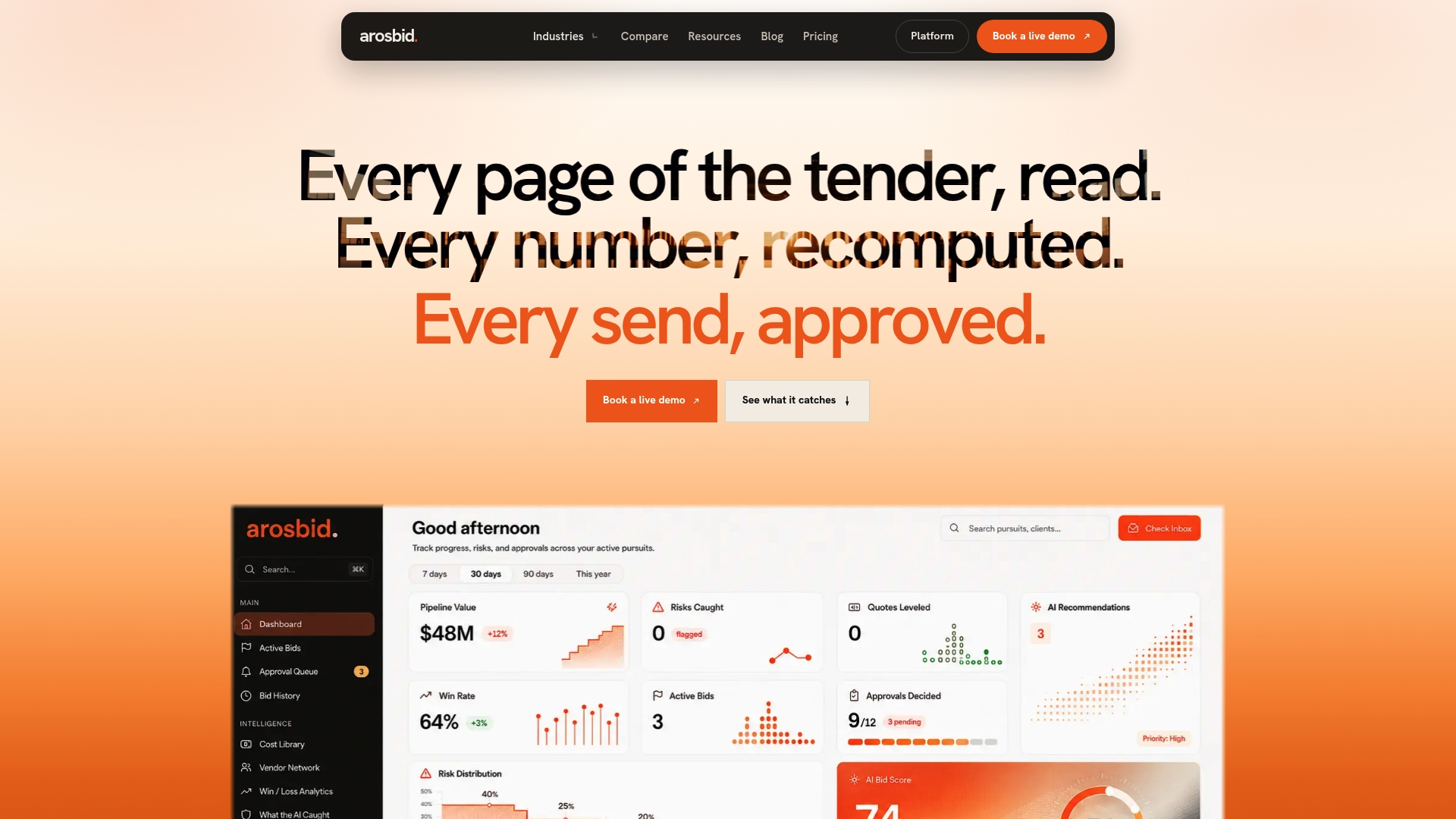
Version governance on the document side only solves half the problem if your bid documents still slip through with a missed clause or a conflicting spec. ArosBid’s command center tracks bid approvals, vendor quotes, and document compliance in one structured workflow, built to integrate with the Excel and Outlook your team already uses rather than asking you to replace them.
If you are evaluating a platform for this, a short checklist helps:
- Does it support ISO 19650 style metadata fields, not just a file name convention?
- Does it keep a full, timestamped audit log of approvals and access?
- Does it offer automated drawing or document comparison to catch changes between revisions?
- Does it integrate with Excel and Outlook without forcing a full workflow change?
See pricing for One Desk, The Department, and The Whole Year, browse industry specific workflows, or book a live demo to see the document controls in action.
FAQ
What is the best document control software for construction?
There is no single universal answer, since the right platform depends on project size, contractual complexity, and whether you need ISO 19650 aligned status codes built in. Look for mandatory metadata fields, enforced status permissions, full audit logs, and integration with the estimating and email tools your team already uses.
What is document version control?
Document version control is the practice of tracking every revision of a project document, along with who changed it, when, and what it is approved for use. On construction projects it typically combines a revision number with a status or suitability code so teams know not just how current a document is, but whether it is safe to build from.
What is document control in construction?
Document control in construction is the governance process that manages how information containers, like drawings and specifications, are named, stored, approved, and shared throughout a project. It usually sits with a named document controller or information manager who enforces naming conventions, status codes, and approval workflows, often aligned with ISO 19650.
Is document controller a stressful job?
The role carries real responsibility, since the document controller is often the person accountable for auditability and for catching a version error before it reaches site or procurement. Guidance on the document controller role describes it as central to limiting legal and financial risk, which makes it demanding on projects with weak governance habits but far more manageable where naming, status, and approval rules are clearly enforced from the start.
Sources
- ISO 19650 status codes explained
- BS EN ISO 19650 Facilitating the common data environment (workflow and technical solutions)
- Understanding status codes – BS EN ISO 19650-2 National Annex A
- Digital Document Control System for Post-Contract Management